The latest update for Xbox consoles has rolled out as of August 12, introducing six new features designed to enhance user experience. Gamers have the option to download this update manually through the Settings menu, with automatic installation set to follow shortly. This update signals an ongoing commitment by Microsoft to refine its gaming platform based on user feedback and testing conducted with Xbox Insiders.
As first reported by Pure Xbox, many of these features have been in a testing phase for some time, providing insight into the company’s approach to quality control and user engagement. The update aims to improve both functionality and accessibility for Xbox users, streamlining the interface and adding new tools to enhance gameplay.
Among the key additions in this update is an improved Quick Resume feature. This allows players to switch between multiple games with minimal loading times, making it easier to jump back into gameplay without the usual delays. This feature has been widely praised during its testing phase for significantly reducing downtime and enhancing the multitasking capabilities of the console.
Another noteworthy addition is the further optimization of the Xbox Game Bar. Users will find enhanced social features, making it easier to connect with friends and share gaming experiences. This includes more intuitive messaging options and quick access to party features, which should facilitate better communication during multiplayer sessions.
Additionally, the update is set to enhance the accessibility options available on Xbox consoles. New features include customizable color filters and screen reading options for gamers with visual impairments. This aligns with Microsoft’s ongoing efforts to create a more inclusive gaming environment, allowing players of all backgrounds to enjoy their favorite titles.
Performance metrics have also received attention in this update. Xbox has improved system stability and load times across various titles. Players should notice a smoother experience in terms of both frame rates and overall responsiveness, particularly in more resource-intensive games. With the growing library of titles available on Xbox Game Pass, these performance enhancements are particularly timely.
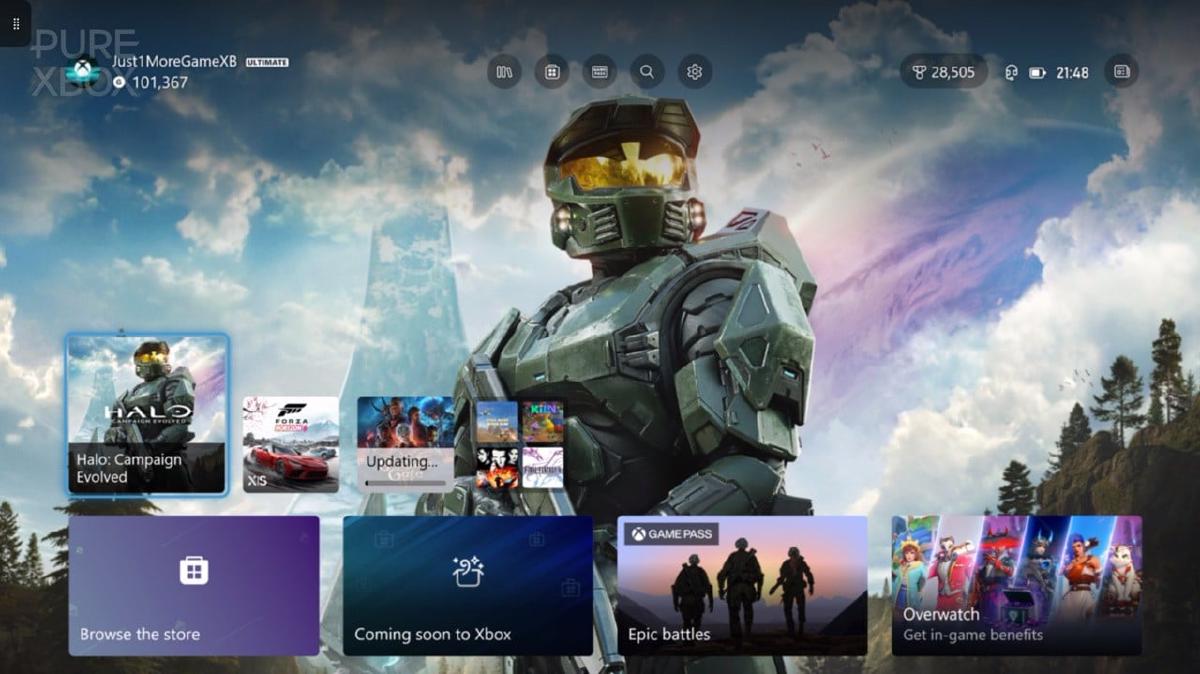
Finally, the update includes various user interface tweaks, which aim to simplify navigation and make it easier for users to find and access their favorite games and apps. These changes are part of a broader effort to ensure that the Xbox dashboard remains user-friendly and efficient, catering to the diverse preferences of its player base.
While updates like this may seem small, they reflect Microsoft’s commitment to refining the Xbox ecosystem based on player feedback. By actively engaging with the Xbox Insider community, the company is able to identify and implement changes that resonate with users. This not only improves the platform but also fosters a sense of community among players who feel their input is valued.
Xbox has consistently demonstrated its dedication to enhancing its consoles with regular updates and features that prioritize player experience. The latest update is yet another step forward in ensuring that Xbox remains a competitive choice in the gaming landscape. For those eager to experience these new features, they can be accessed now via a manual download or through the incoming automatic update.
Image credit: Pure Xbox
This article was generated with AI assistance and reviewed for accuracy.